export
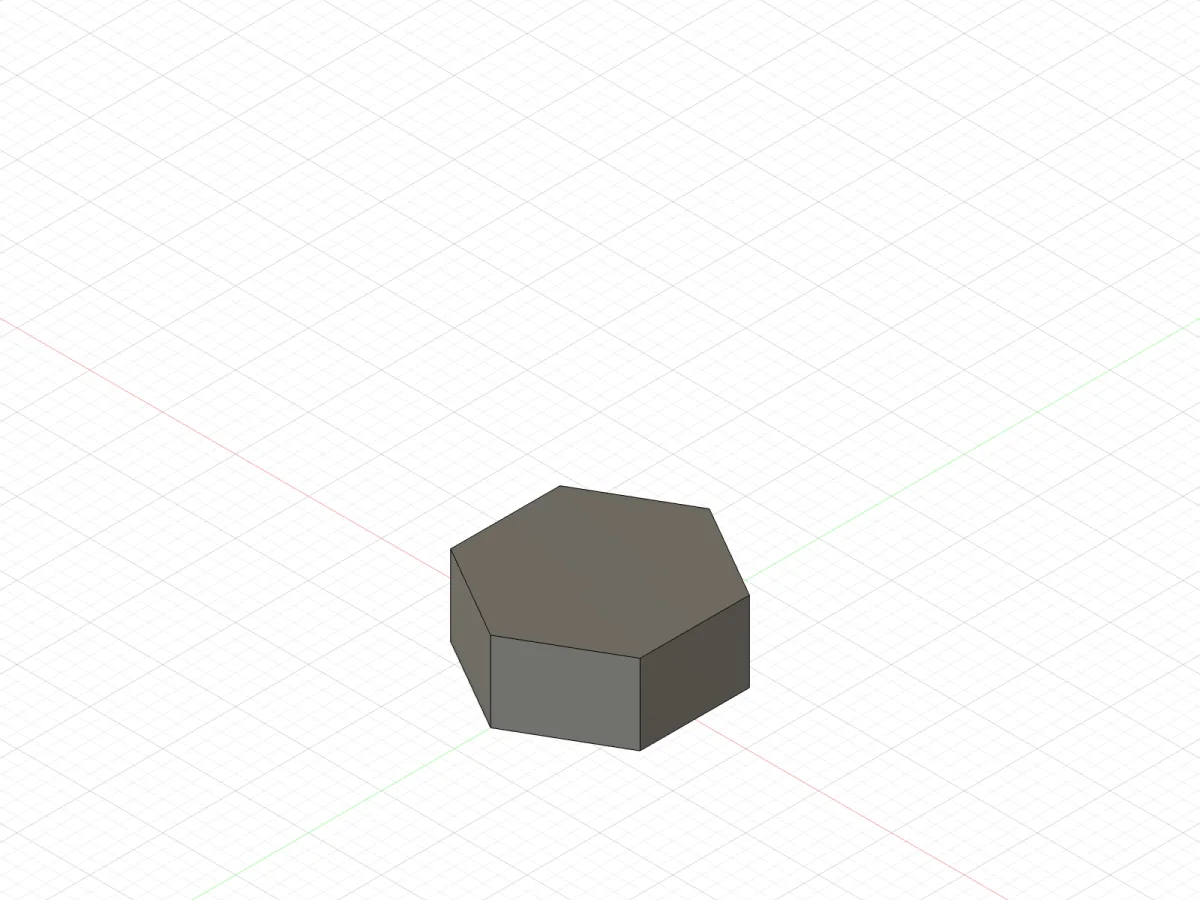
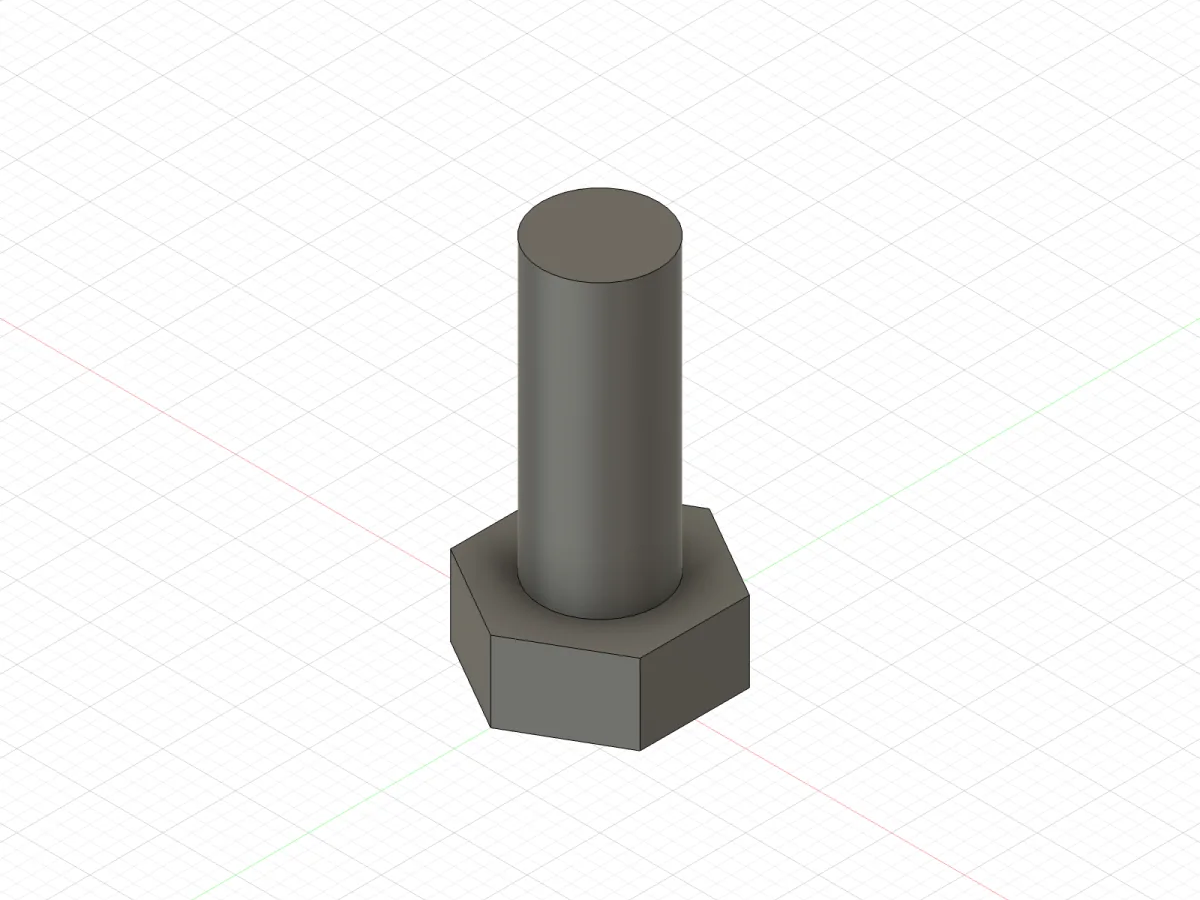
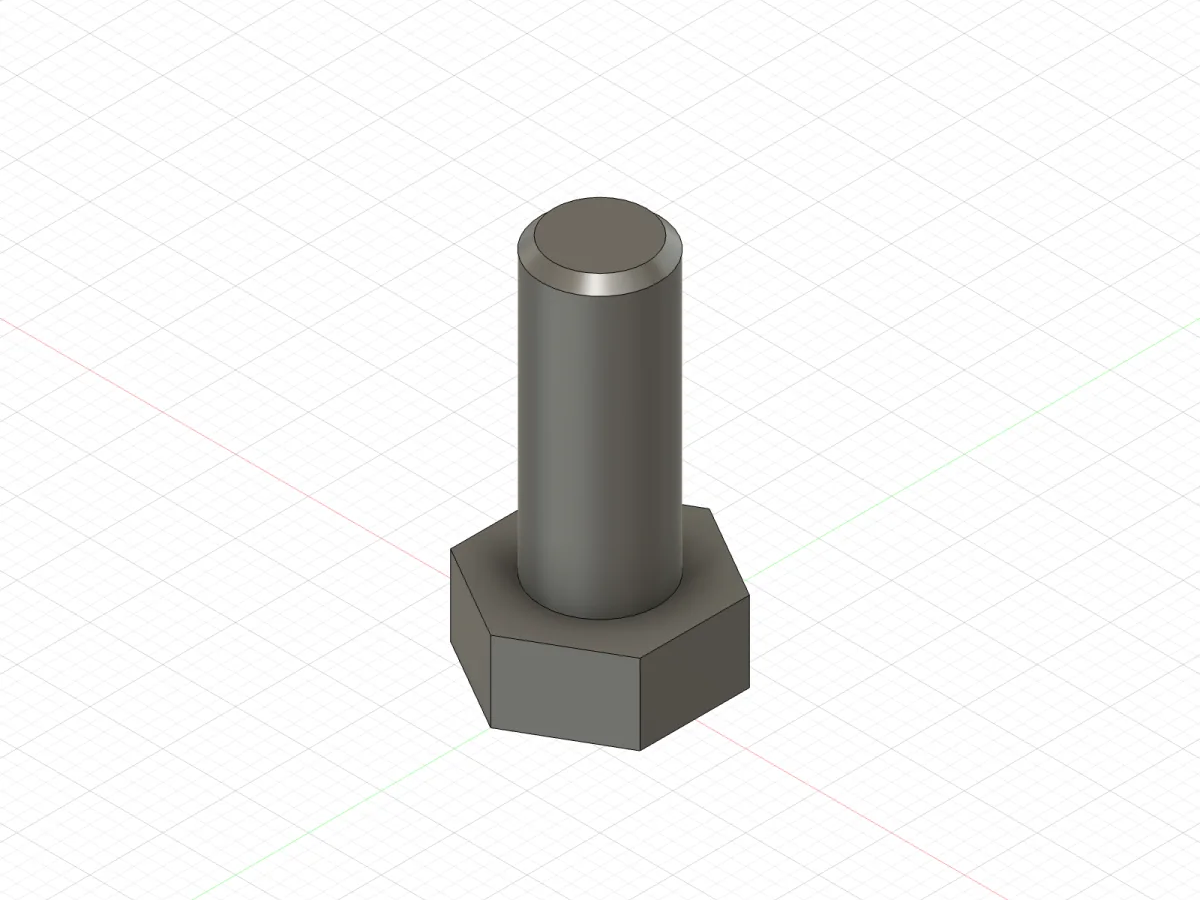
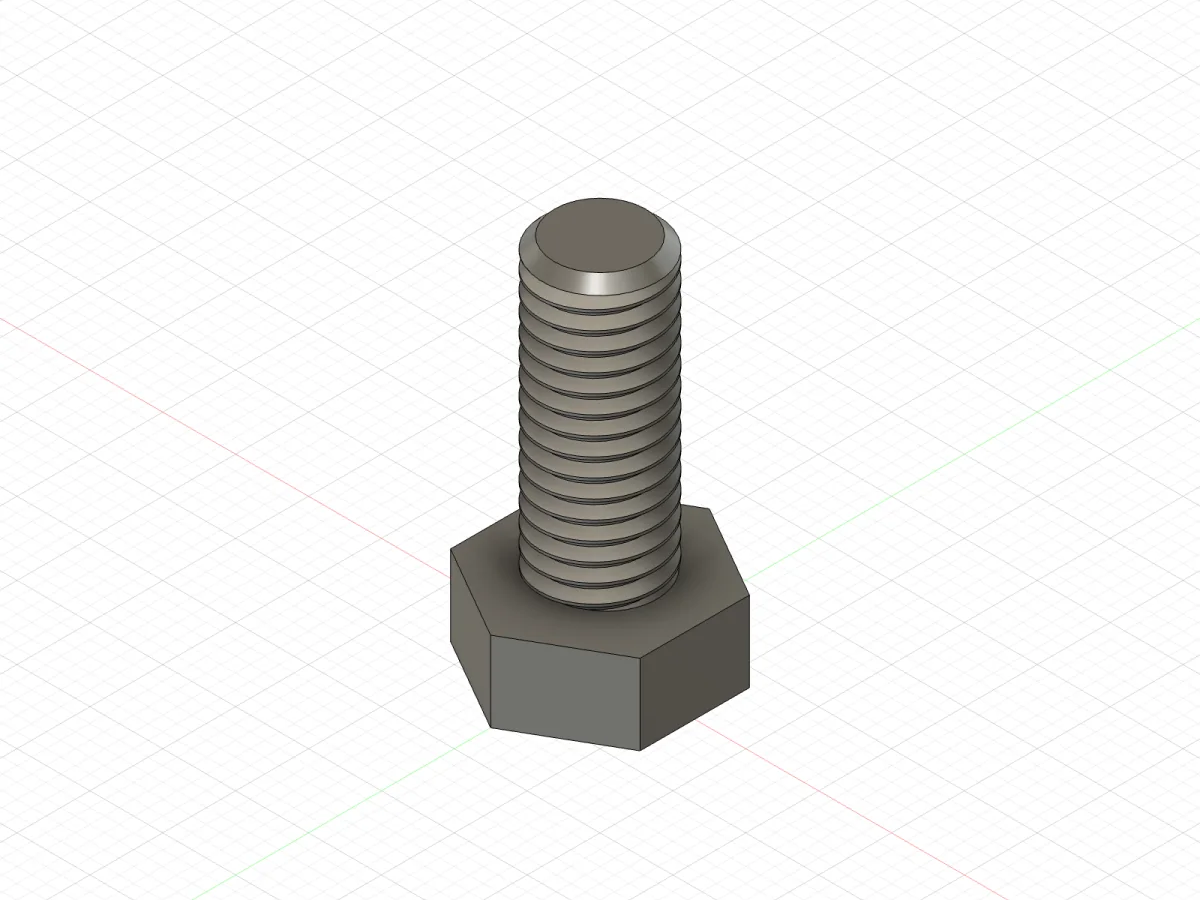
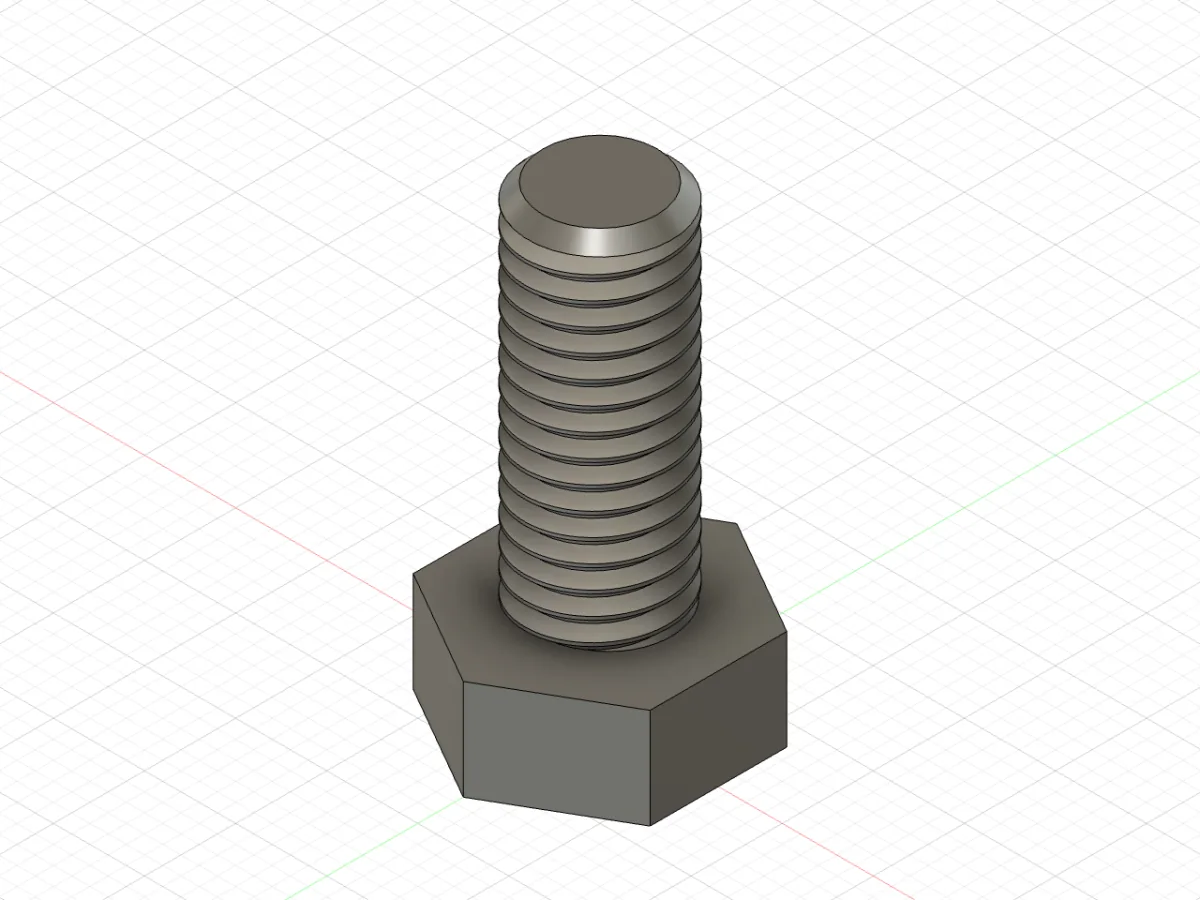
the agent's terminal, Fusion 2705.1.30, 18 Oct 2026
$ fusionctl ping
fusion 2705.1.30
user pieralukasz@gmail.com
document Untitled
design parametric
units mm
orientation Z-up
bridge 0.1.0
$ fusionctl new
New design "Untitled" (mm, parametric, Z-up).
$ fusionctl run examples/bolt/01-params.py --atomic
{
"d": "8 mm",
"length": "20 mm",
"head_af": "13 mm",
"head_h": "5.5 mm",
"tip": "0.8 mm"
}
$ fusionctl run examples/bolt/02-head.py --atomic
ok (no output)
$ fusionctl bodies
body where solid volume mm³ size mm min mm faces
Bolt root yes 804.97 13 x 15.01 x 5.5 -6.5 x -7.51 x 0 8
$ fusionctl run examples/bolt/03-shank.py --atomic
ok (no output)
$ fusionctl bodies
body where solid volume mm³ size mm min mm faces
Bolt root yes 1810.28 13 x 15.01 x 25.5 -6.5 x -7.51 x 0 10
$ fusionctl run examples/bolt/04-tip.py --atomic
{
"tip_edges": 1
}
$ fusionctl run examples/bolt/05-thread.py --atomic
{
"faces": 1,
"designation": "M8x1.25",
"class": "6g"
}
$ fusionctl timeline
# feature type health message
0 Hex Sketch ok
1 Head ExtrudeFeature ok
2 Under head ConstructionPlane ok
3 Shank circle Sketch ok
4 Shank ExtrudeFeature ok
5 Tip chamfer ChamferFeature ok
6 M8 thread ThreadFeature ok
$ fusionctl bodies
body where solid volume mm³ size mm min mm faces
Bolt root yes 1605.1 13 x 15.01 x 25.5 -6.5 x -7.51 x 0 15
$ fusionctl screenshot bolt-iso.png --view iso
/private/tmp/demo/bolt-iso.png
$ fusionctl export bolt.3mf
/private/tmp/demo/bolt.3mf 246.8 KB
$ fusionctl export bolt.step
/private/tmp/demo/bolt.step 271 KB
The request: “M8 x 20 hex bolt, modelled thread, ready to print.”
- Hex
- Head
- Under head
- Shank circle
- Shank
- Tip chamfer
- M8 thread
fusionctl
drive fusion from
your terminal
Run Python in your open Autodesk Fusion design, then read the part back as numbers and pictures, by hand or from a coding agent.
how a call travels
POST http://127.0.0.1:18765/
X-Fusion-Token: <the token file>
{"op": "bodies"}
First the CLI posts it
to 127.0.0.1:18765.
POST http://127.0.0.1:18765/
{"op": "bodies"}
Origin header   none
token           matches
queued          yes
Then the add-in checks
who sent it.
{"op": "bodies"}
Origin, token   ok
custom event    FusionBridgeExec
main thread     op_bodies()
Fusion runs it on
its main thread.
200 OK
{"ok": true, "data": [{
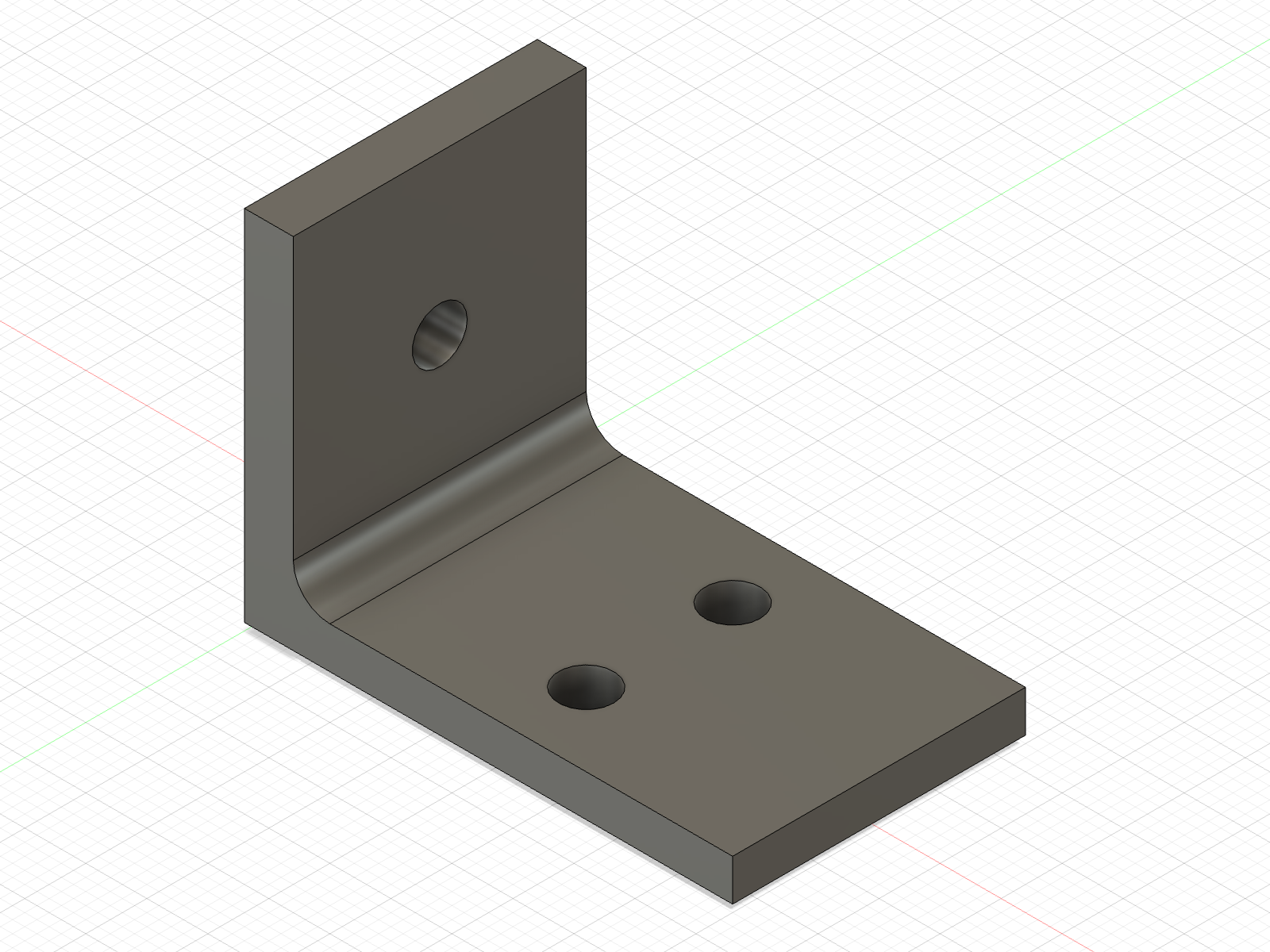
  "body": "Bracket",
  "volume_mm3": 6168.75,
  "bbox_size_mm": [40, 24, 30],
  "faces": 16 }]}
The answer comes back
as JSON.
change one parameter
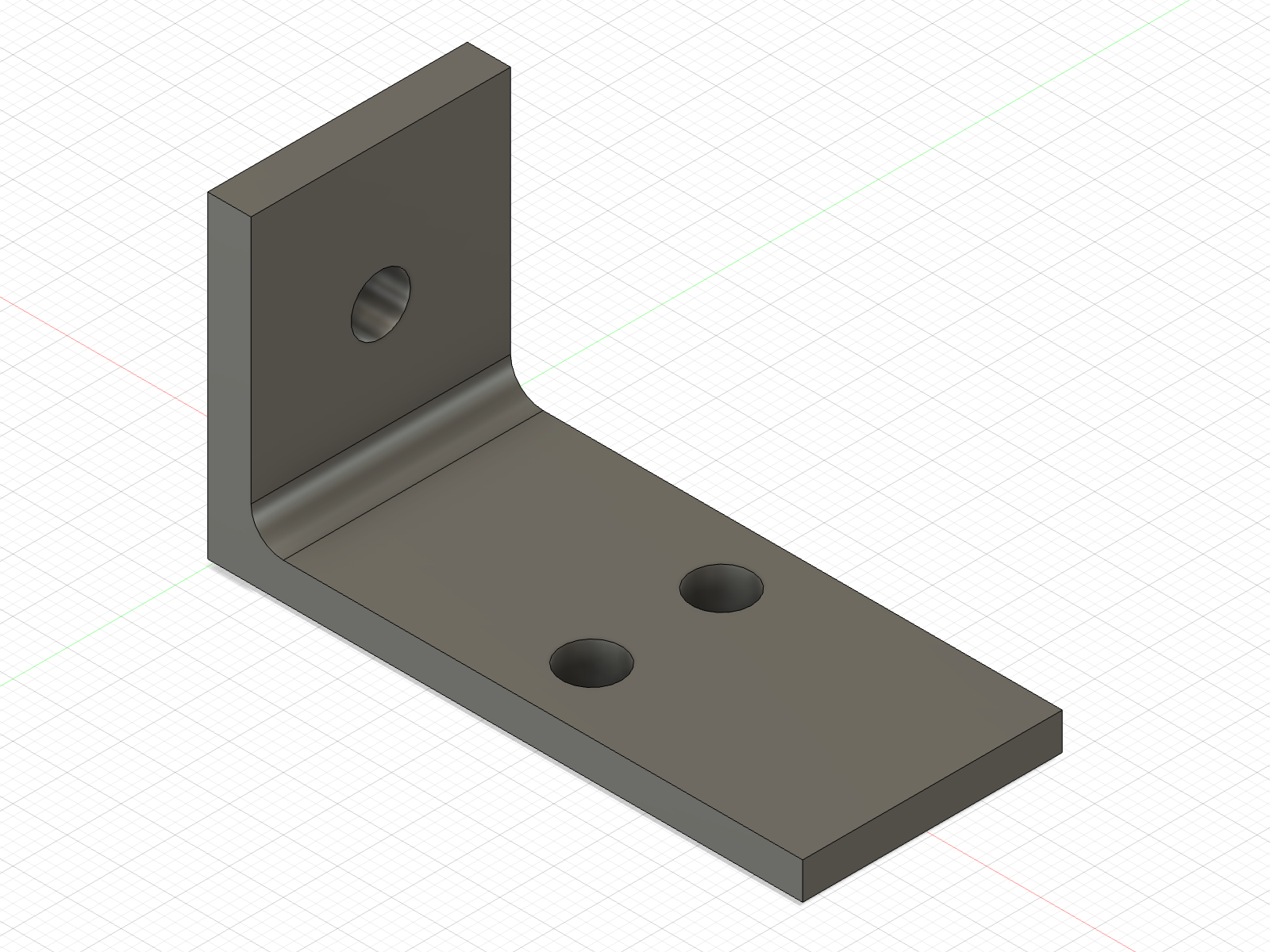
Seven user parameters drive the bracket. Set two and Fusion rebuilds the timeline; the base holes follow the length because they are dimensioned with expressions.
$ fusionctl run bracket.py --atomic
$ fusionctl bodies
body     where  solid  volume mm³  size mm       min mm       faces
Bracket root yes 6168.75 40 x 24 x 30 0 x -12 x 0 16- volume
- 6168.75 mm³
- size
- 40 x 24 x 30 mm
- base holes at
- x = 22 mm
- hole diameter
- 4.5 mm
Every number, line of output and picture on this page came from Fusion 2705.1.30 on macOS in October 2026.
the fine print
cm
the API's unit: mm(5) is 0.5
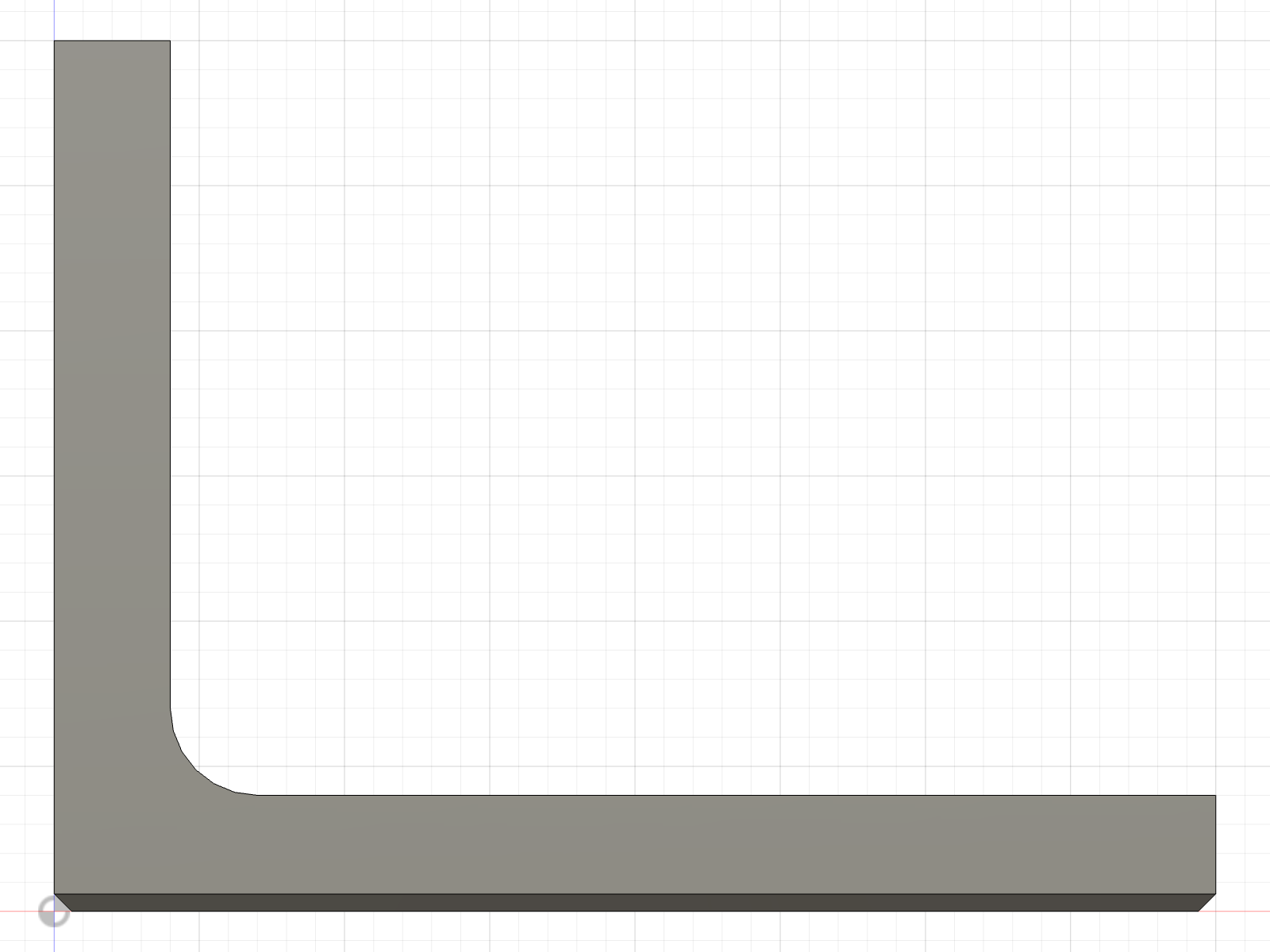
--view front18765
port, on 127.0.0.1 only
600
token file mode
−Z
sketch +Y on the XZ plane
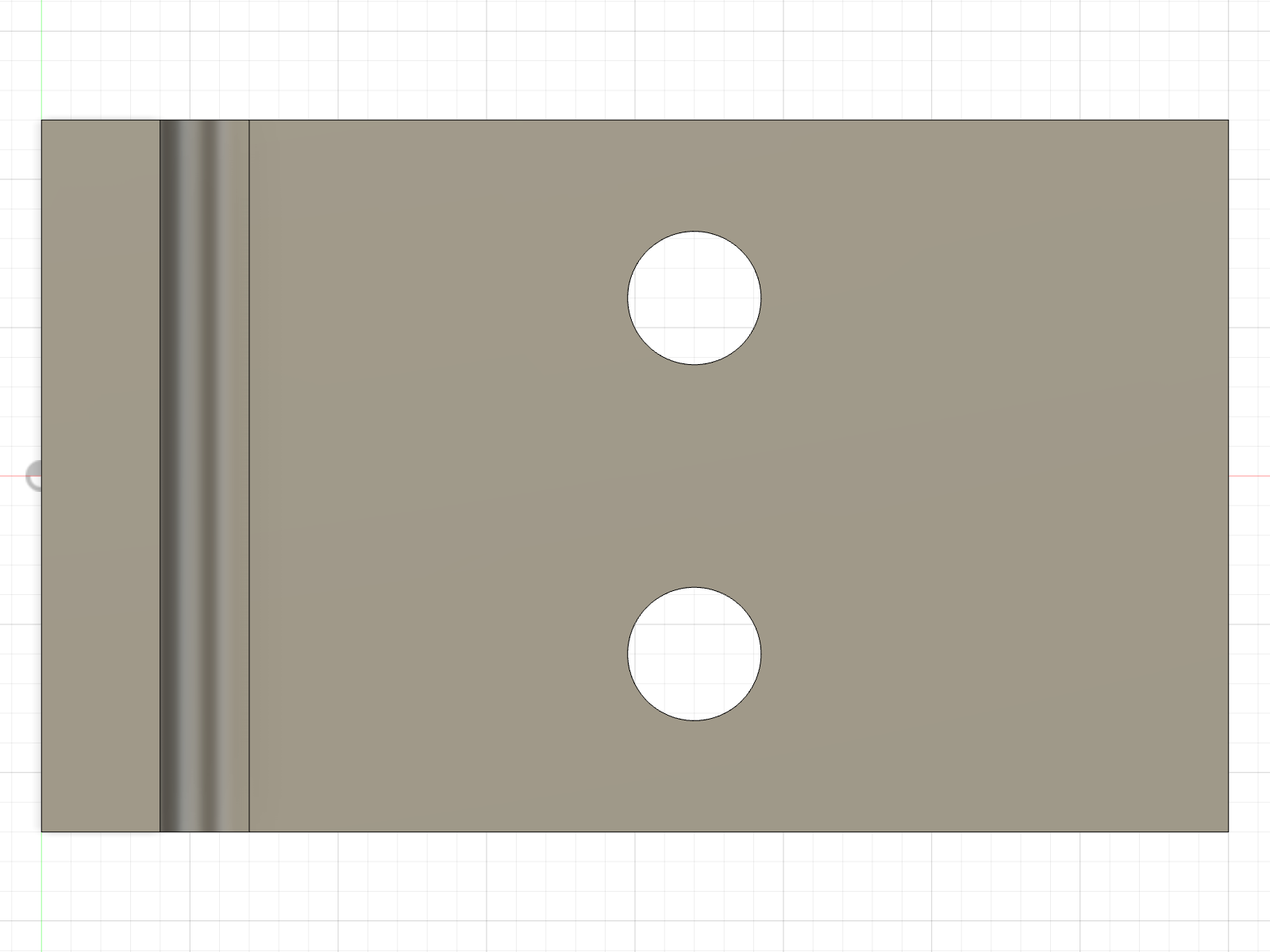
--view top7
timeline items, all ok
.step
the source of truth
0 1 2
exit codes
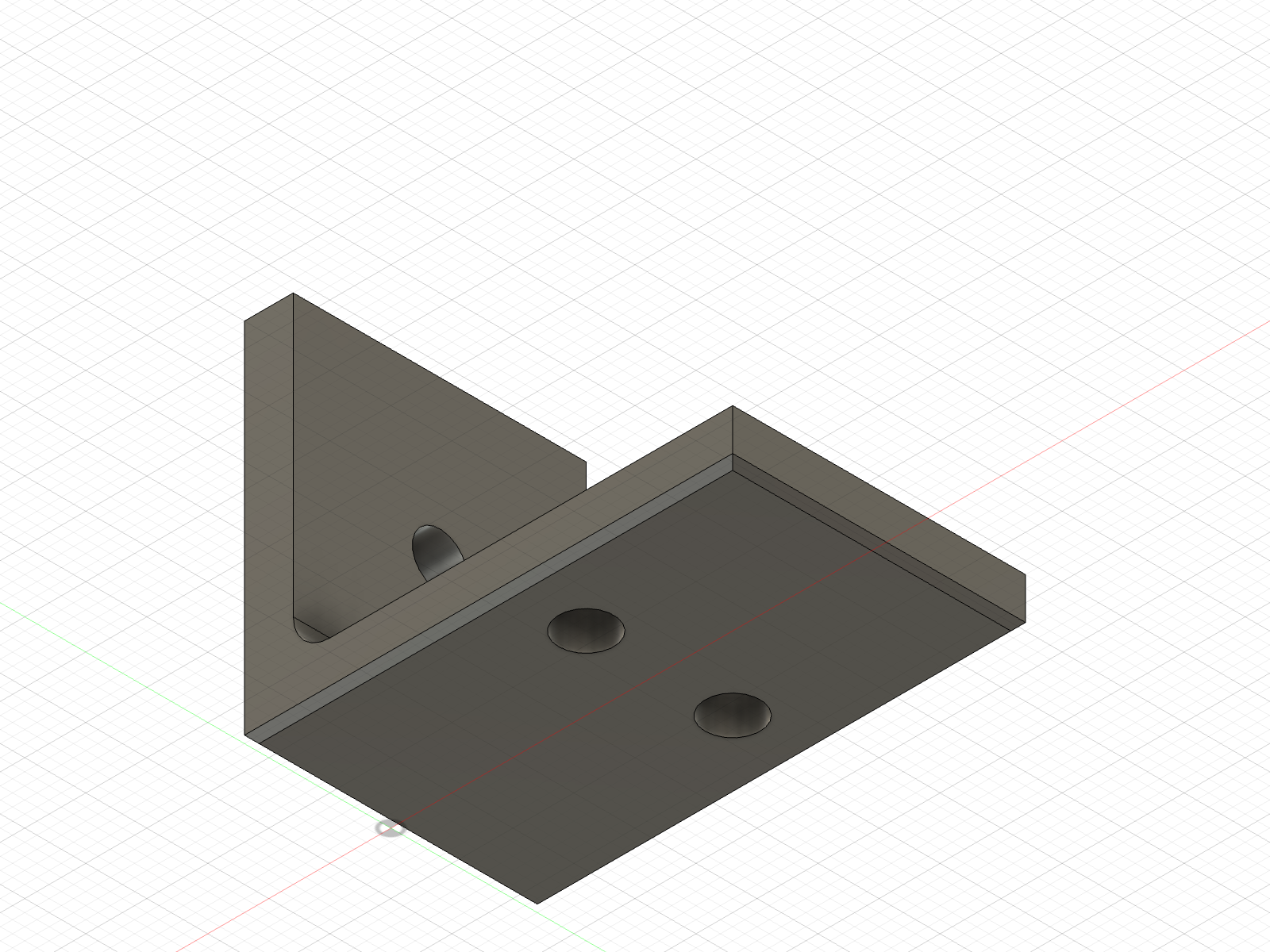
--view iso-bottom.3mf
for the slicer
seventeen commands
Nine of them below, each with what it printed. Tables on a terminal, JSON when piped or with --json. All seventeen in the reference.
$ fusionctl doctor
ok    add-in installed        v0.1.0
ok    bridge reachable        Fusion 2705.1.30
ok    running add-in version  v0.1.0
ok    signed in               pieralukasz@gmail.com
ok    orientation             Z-up (affects which plane is the floor)
config: /Users/lukaszpiera/.config/fusionctlChecks the add-in install, the token and the live bridge, and says what to fix.
Fusion version, signed-in user, active document, units and model orientation, Y-up or Z-up.
Runs Python inside Fusion, inline or from a file. With --atomic, a failing script's timeline items are deleted again.
Every timeline feature with its health, ok, warning or error, and Fusion's message.
Bodies in world coordinates: volume in mm³, bounding box in mm, face count.
Lists the user parameters, or sets and creates them; the model regenerates.
Pairwise overlap of all visible solid bodies. Zero overlap does not prove a fit: measure gaps too.
Saves the viewport as PNG from one of eight named views, after fitting the model.
Searches the adsk API of the Fusion build you have installed, instead of guessing from old samples.
rules for agents
Every rule in AGENTS.md was checked on a live Fusion, build 2705.1.30. Point your agent at AGENTS.md and llms-full.txt.
Units are cm
Millimetres in Point3D make the part ten times too large, with no error.
XZ: +Y is −Z
On the XZ plane a point at height z is P(x, -z, 0).
Holes drill away
From the XY plane at the bed, drill with NegativeExtentDirection to go up.
One X, one dimension
Two points sharing an X over-constrain the sketch; tie them with addVerticalPoints.
No dialogs
A modal dialog blocks Fusion's main thread, so the bridge cannot answer.
Look before done
No exception is not proof: read timeline and bodies, and look at the screenshots.
fusionctl and the fusion mcp
Since May 2026 Autodesk ships its own MCP server inside Fusion. Both drive the design you have open, and you can turn on both. The full comparison, with sources.
fusionctl fits when
- the agent works in a shell: Claude Code, Codex, OpenCode, or your own scripts, Makefiles and CI
- the modelling should live in files in git that
fusionctl runrepeats - you want the checks as commands: timeline health, bodies in world millimetres, interference, named views,
--atomic - the agent should read
fusionctl <cmd> --helponly when it needs it
Third-party, one maintainer, not affiliated with Autodesk. Checked on macOS.
the Fusion MCP fits when
- you work in a chat app with no terminal, such as Claude Desktop with its Fusion connector
- you want Autodesk's own server and support, with nothing third-party to install
- you want the tool set Autodesk maintains, which your client discovers when it connects
- you need hubs and projects in the cloud: that is the separate Fusion Data MCP
Turned on in Preferences > General > API. Check that the setting is there on your install and licence.
Install it with and paste it into a terminal, or
Then fusionctl install, restart Fusion, and fusionctl doctor. Needs Bun 1.2 or later and Fusion, including the free personal-use licence. Not on npm.